Creating Listing Videos Without Expensive Equipment (2025)
Video content dominates social media algorithms—but hiring a videographer for every listing isn't realistic. Here's how savvy agents create professional listing videos using just their photos.
355Lab Team
December 30, 2025
Why Video Matters in 2025
403%
More inquiries on listings with video
87%
Of buyers want video content
2x
Social media engagement vs. photos
The Video Content Problem
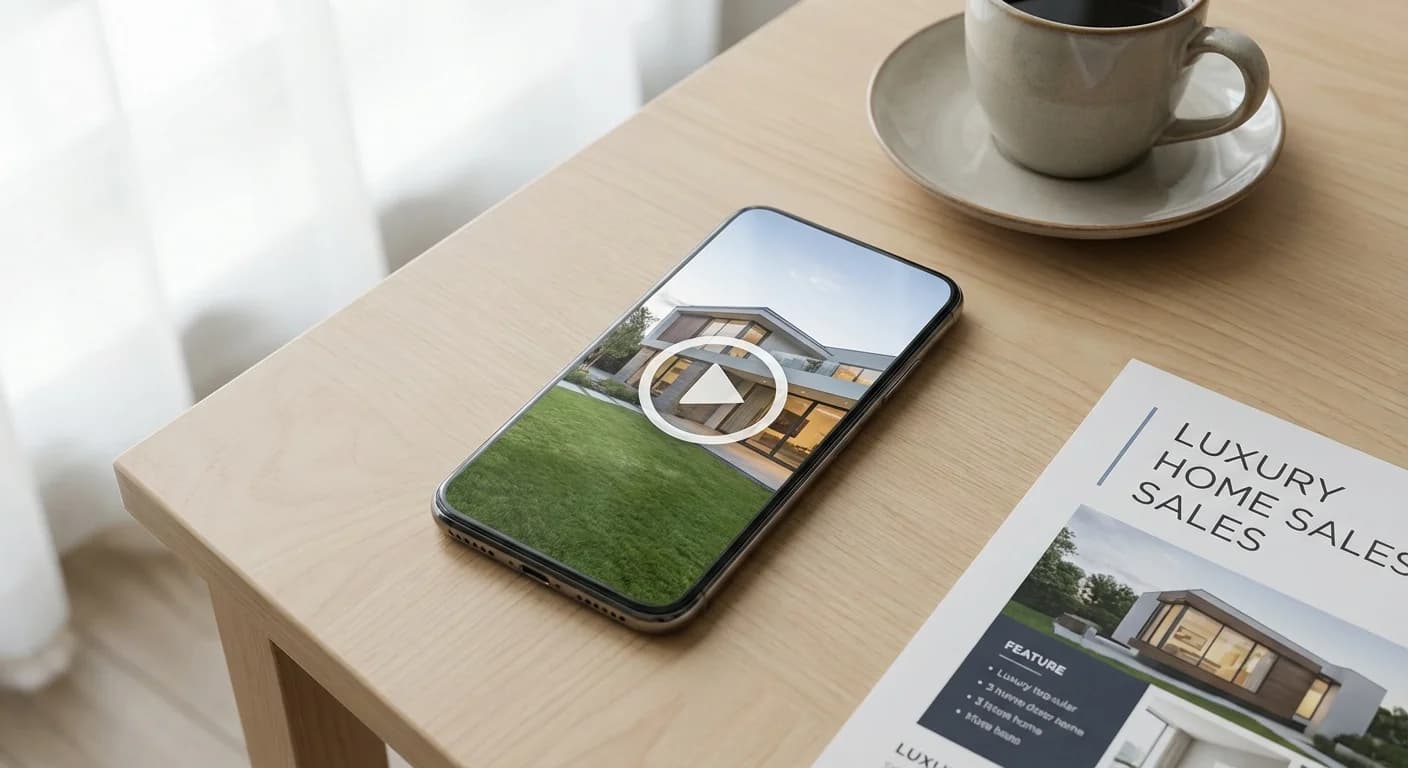
Every marketing expert says the same thing: video is king. Instagram Reels, TikTok, YouTube Shorts, Facebook—algorithms favor video content, and buyers expect it. The data is clear: listings with video receive 403% more inquiries than those without.
But here's the reality for most agents:
- Professional videography costs $300-800+ per listing
- Drone footage requires FAA certification and scheduling
- Video editing is time-consuming and requires specialized skills
- Not every listing justifies the investment
The result? Most agents skip video entirely, leaving engagement—and potential buyers—on the table.
The Cost Reality
The Photo-to-Video Solution
Here's what most agents don't realize: you already have the raw material for compelling listing videos. Your listing photos—especially if they're high-quality—can be transformed into engaging video content.
The concept is simple:
- Take great listing photos (or enhance existing ones)
- Use AI tools to animate and combine them into video format
- Add music, transitions, and text overlays
- Export for social media, MLS, or YouTube
This approach gives you the video content algorithms love without the traditional video production costs or learning curve.
Types of Listing Videos You Can Create
1. Property Slideshow Videos
The most straightforward option: a professionally paced slideshow with smooth transitions, background music, and property details. These work great for:
- Instagram/Facebook posts and stories
- YouTube listing tours
- Email marketing campaigns
- MLS video uploads
2. Social Media Reels/Shorts
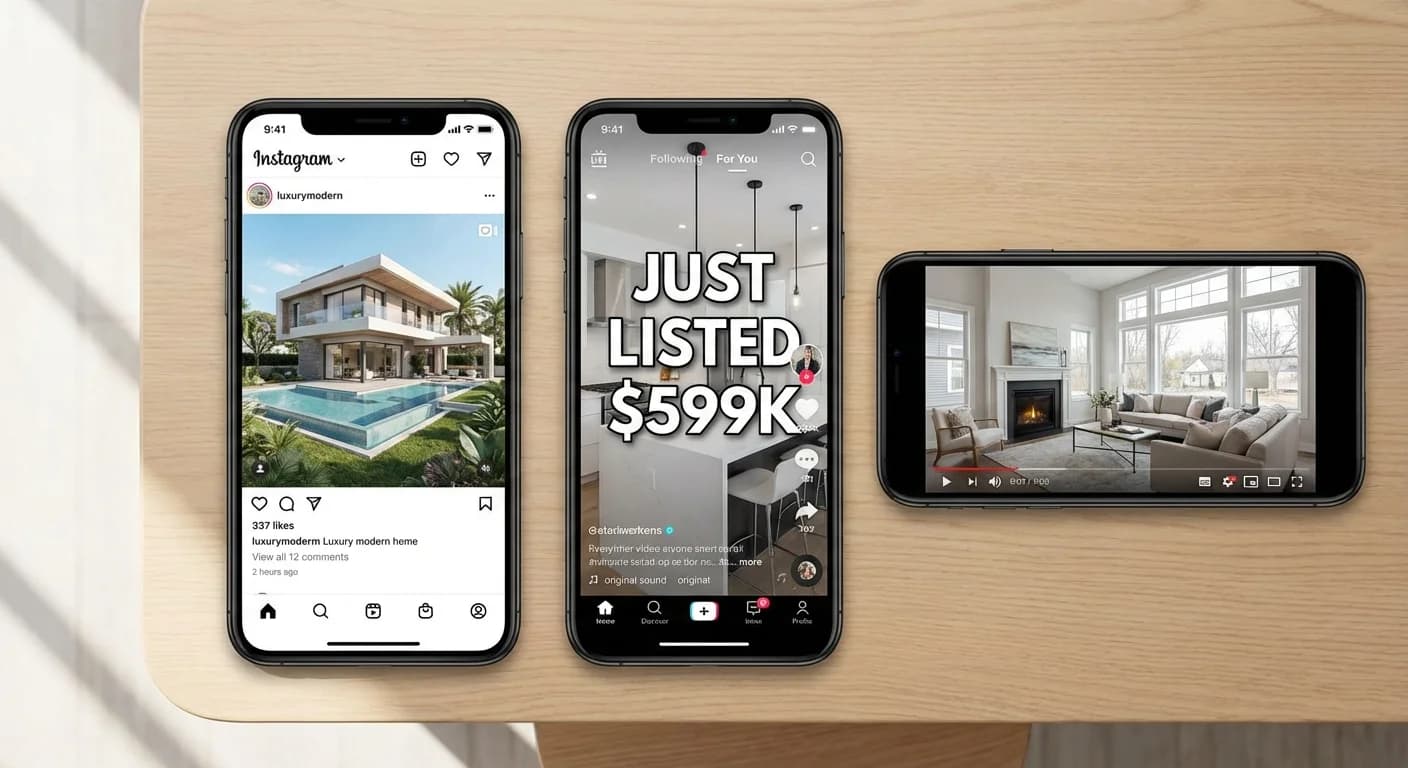
Vertical format (9:16) videos optimized for Instagram Reels, TikTok, and YouTube Shorts. These typically run 15-60 seconds and feature:
- Fast-paced transitions
- Trending music
- Text overlays with property highlights
- Hook-style openings ("This $450K home has WHAT?!")
3. Cinematic Property Tours
Longer-form content (1-3 minutes) that tells a story about the property. These combine:
- Establishing shots (exterior, neighborhood)
- Room-by-room progression
- Feature callouts
- Closing with contact information
AI-Powered Slideshow Videos
The fastest path from photos to video is an AI-powered slideshow generator. These tools take your listing photos and automatically create polished videos with:
- Professional Ken Burns effects (subtle zoom and pan)
- Smooth transitions between images
- Properly timed music synchronization
- Customizable aspect ratios (16:9, 9:16, 1:1)
How 355Lab's Slideshow Feature Works
Upload Your Photos
Select your best listing photos—the more variety, the better the video
Choose Your Format
Select 16:9 (YouTube/MLS), 9:16 (Reels/TikTok), or 1:1 (Instagram feed)
AI Creates Your Video
Professional transitions, Ken Burns effects, and music sync—automatically
Download & Share
Get your video in minutes, ready for any platform
Maximizing Your Photo-to-Video Results
The quality of your video depends heavily on your source photos. Before creating a slideshow:
- Use your best 10-15 photos — Quality over quantity
- Include variety — Exterior, each room, key features
- Consider virtual staging — Staged photos make far more compelling videos than empty rooms
- Add twilight shots — Twilight exteriors create dramatic opening and closing frames
- Ensure consistent quality — One bad photo can hurt the entire video
Best Practices for Listing Videos
Video Best Practices Checklist
Content
Technical
Video Length Guidelines
| Platform | Ideal Length | Aspect Ratio |
|---|---|---|
| Instagram Reels | 15-30 seconds | 9:16 (vertical) |
| TikTok | 15-60 seconds | 9:16 (vertical) |
| YouTube Shorts | 30-60 seconds | 9:16 (vertical) |
| YouTube (standard) | 1-3 minutes | 16:9 (horizontal) |
| Facebook Feed | 30-90 seconds | 1:1 or 16:9 |
| MLS/Zillow | 1-2 minutes | 16:9 (horizontal) |
Optimizing for Each Platform
Instagram & Facebook
- Vertical (9:16) for Reels/Stories, square (1:1) for feed
- First 3 seconds must hook viewers—lead with your best shot
- Add captions—85% of social video is watched without sound
- Use trending audio when appropriate
YouTube
- Horizontal (16:9) is standard; Shorts use vertical (9:16)
- Include property address and price in title
- Create custom thumbnails (your best photo with text overlay)
- Add chapters for longer videos
MLS/Portal Sites
- Most accept 16:9 horizontal video
- Check maximum file size and length requirements
- Keep branding subtle—focus on the property
- Ensure video title matches listing
Platform Optimization Guide
Your Complete Video Workflow
Here's a streamlined workflow for creating listing videos for every property:
5-Minute Video Workflow
Step 1: Prepare Photos (1 minute)
Select 10-15 best images. Consider virtual staging for empty rooms.
Step 2: Upload & Configure (1 minute)
Upload to slideshow creator, choose aspect ratio, arrange order.
Step 3: Generate Video (2 minutes)
AI processes and renders your video with transitions and music.
Step 4: Download & Distribute (1 minute)
Export and upload to your platforms of choice.
Pro Tips for Consistency
- Batch your work: Create videos for multiple listings in one session
- Create a template: Use the same intro/outro style for brand consistency
- Schedule posting: Use platform schedulers to maintain consistent presence
- Track performance: Note which video styles get the most engagement
The Bottom Line
Video content is no longer optional in real estate marketing—but it doesn't have to be expensive or time-consuming. By leveraging your existing listing photos and AI-powered tools, you can create professional video content for every listing in minutes, not hours.
The agents who win in today's market aren't necessarily the ones with the biggest marketing budgets. They're the ones who consistently show up with quality content across every platform. Slideshow videos let you do exactly that.
Related Articles
iPhone Real Estate Photography Guide
Capture professional photos with just your smartphone
How to Use Twilight Photography to Sell Homes Faster
Twilight photos increase listing views by 61%
Ultimate Guide to Virtual Staging (2025)
Everything you need to know about virtual staging
Real Estate Photo Editing Pricing Guide (2025)
Complete cost breakdown for all editing services